
- Published
- Updated
- How we help with websites
Core Web Vitals are three scores Google gives every website for how it feels to use: how fast the main content loads, how quickly the page responds to a tap, and whether the layout holds still. A page passes when all three are in the “good” range for most of its real visitors.
The three targets
- Loading (LCP): the main content shows up within 2.5 seconds
- Responsiveness (INP): the page reacts to a tap within 200 milliseconds
- Stability (CLS): a layout shift score of 0.1 or lower
Google is judging your website on these right now. It isn’t looking at the design. It’s scoring things you can’t even see, and those scores play a part in whether customers find you in the first place.
It’s like showing up to a first date and finding out later that someone was keeping score the whole time: how quickly you pulled out the chair, whether the table wobbled, whether there was an awkward pause when the waiter came by. And that hidden score decided whether you got a second date.
The good news is that once you know what’s being measured, you can do something about it. Plenty of sites haven’t. In the 2025 Web Almanac, a yearly study of millions of websites, only 48% passed on phones. Getting this right puts you ahead of about half the web.
The three things Google measures
Together they describe how your website feels to use, which is a different thing from how it looks. They’re also tied to whether people stick around. In a 2020 study of millions of page visits, Google’s Chrome team found people were 24% less likely to give up on a page while it loaded when the site met the targets of the time.
Loading speed (LCP, Largest Contentful Paint)
When someone clicks through to your site, how quickly does the main content show up? Google ignores the first flicker. It times the biggest thing on the screen, which is usually your main photo, your headline, or the first block of text, and it wants that visible within 2.5 seconds.
Why it matters: you could have the perfect answer to someone’s problem and they’ll never know it, because your site kept them waiting and they went back to the search results.
Responsiveness (INP, Interaction to Next Paint)
You know that feeling when you tap a button on a website and nothing happens? So you tap again, and again. Then three things happen at once and you’ve accidentally ordered something you didn’t want.
Google measures that now. The measure is called INP, and it replaced an older one in March 2024. The older one only timed a visitor’s first interaction, which missed how frustrating a sluggish site feels after that. The target is a response within 200 milliseconds, which is a fifth of a second.
Why it matters: a site that ignores a tap feels broken, and people don’t hand their phone number or their card to a site that feels broken.
Visual stability (CLS, Cumulative Layout Shift)
Ever been about to tap “Add to Cart” when the page jumps and you’ve clicked an ad for timeshares in Florida instead? That’s layout shift. Google tracks how much your pages move around on visitors without warning, and scores it. A good score is 0.1 or lower.
Why it matters: layout shift causes wrong taps and makes a site feel unreliable. Nobody notices a page that holds still. Everybody notices one that jumps.
How much do Core Web Vitals matter in search?
They count, and they aren’t the whole story. Google says its ranking systems use Core Web Vitals, and in the same breath that it “always seeks to show the most relevant content, even if the page experience is sub-par.” A fast page won’t outrank a better answer. Between two pages that answer the question about equally well, which is often where a local business sits against its competitors, the scores can be the difference.
Two blind spots that trip people up
It loads fine for you
“My site loads fine for me.” You’re probably checking on your computer, on the office Wi-Fi, at your desk. Your customers are on their phones at a stoplight, on cellular data, trying to find your hours before the light turns green.
So why is a website slow on a phone when it’s quick at your desk? A phone has a slower processor and often a weaker connection, and it’s handed the same oversized photos and the same pile of scripts your office computer gets. The work is the same. The machine doing it is smaller.
Google measures how real visitors experience your site, on phones and on computers separately, and it grades at the 75th percentile. In plain terms, three out of every four visits have to go well. If a quarter of your visitors have a rough time, you can fail without ever seeing a problem yourself.
A good test score isn’t the same as passing
“I ran a test and got a good score, so I’m fine.” Testing tools give you what Google calls lab data, which is a simulation run under controlled conditions. Your actual Core Web Vitals come from field data, gathered from the real people visiting your site. You can ace the test and still struggle in the real world. It’s parallel parking in an empty lot versus parallel parking on a busy street with someone honking behind you.
Questions worth asking your web developer
If someone else looks after your website, here’s what I’d want to know:
- “What are our Core Web Vitals scores? Are we passing all three?”
- “Is that based on real visitor data or just testing?”
- “How does mobile compare to desktop?”
- “What’s our Largest Contentful Paint time? Is it under 2.5 seconds?”
Red flags to watch for
- They don’t know what Core Web Vitals are.
- They wave off speed as “not that important.”
- They only test on desktop.
- They never mention the difference between lab and field data.
You don’t need to become an expert in any of this. These questions will tell you quickly whether your developer is one.
How to check your own Core Web Vitals
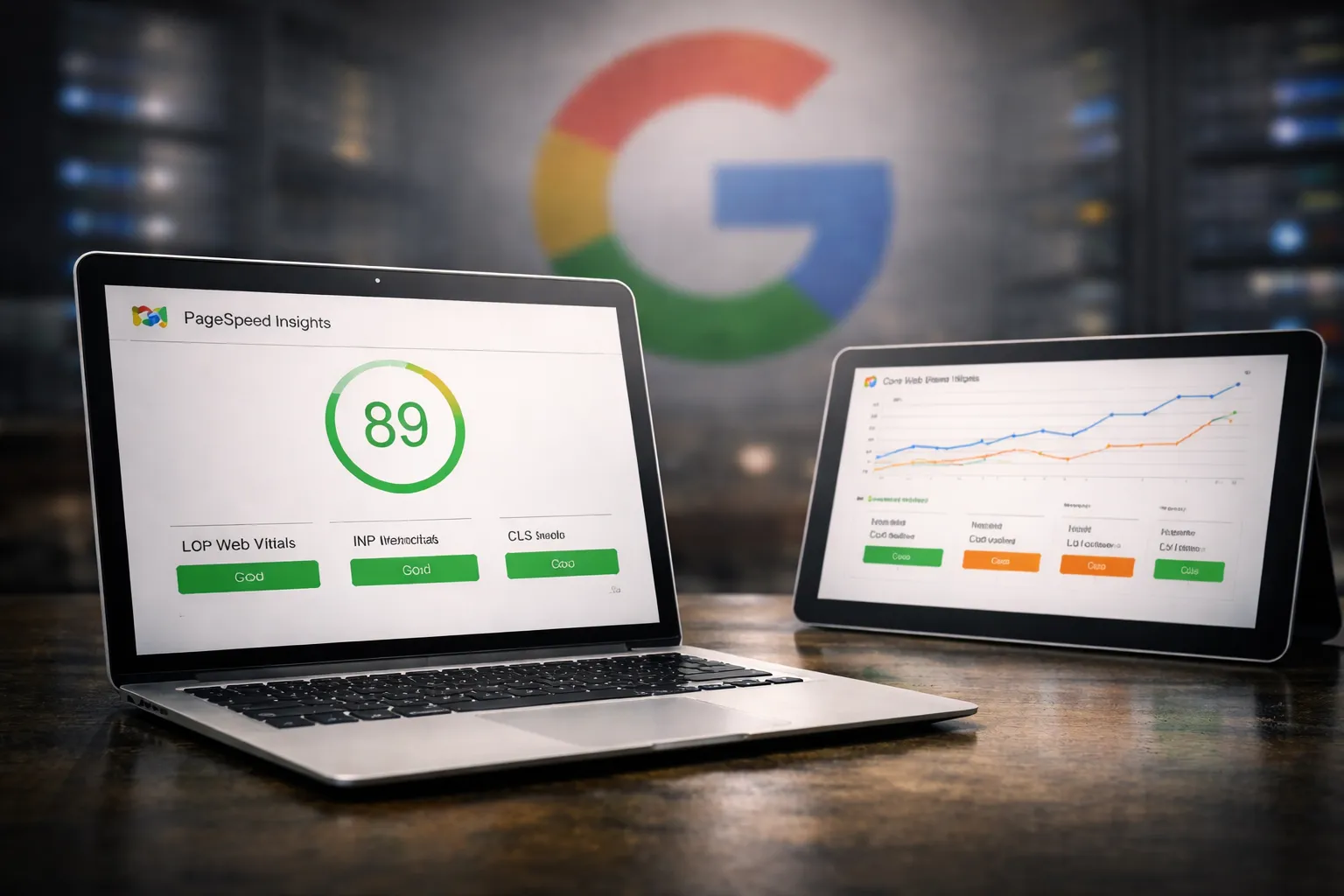
You can test your site right now with Google’s PageSpeed Insights. Paste in your address and hit Analyze.
Look at the Core Web Vitals section first. It will read “Core Web Vitals Assessment: Passed” or “Failed,” and under that it shows each of the three measures, based on real visitors.
A small site will often see a note there that Google doesn’t have enough real-visitor data. That’s common, and it isn’t a failing grade. It means Google hasn’t seen enough visits to report on, and the test below it is what you have to go on for now.
That test gives you a performance score out of 100. Here’s a quick decoder:
- Green (90 and up): you’re in good shape
- Orange (50 to 89): room to improve
- Red (below 50): needs attention
Don’t obsess over hitting 100. A 92 that reflects happy real-world visitors beats a perfect lab score nobody ever experiences.
For the whole site at once, Google Search Console has a Core Web Vitals report that sorts your pages into good, needs improvement, and poor, for phones and for computers. Search Console is free, but someone has to have set it up for your site. If you aren’t sure, ask whoever looks after it.
What usually makes the biggest difference
Images. This is almost always where the trouble starts. Oversized, uncompressed photos can sink your load time all by themselves. The usual offender is a photo sized for a 4K screen sitting in a space 300 pixels wide, saved in a heavy format instead of one made for the web.
Load order. What people see first should load first. The map at the bottom of the page and the social feed in the footer can wait.
Fonts. Font files saved in the wrong format are heavier than they need to be, and the words on the page wait for them.
Less stuff. Every extra script, widget, and plugin adds weight, and phones feel it the most. Sometimes the best fix is knowing what to leave out.
If one measure is failing, that tells you what to ask for:
- Loading: ask about the size of the images and what loads first.
- Responsiveness: ask which scripts and add-ons the site could do without.
- Stability: ask whether every image, banner, and ad has its space held open before it arrives.
Here’s what that looks like in practice. We rebuilt a website for an author exactly the way she asked, and it ran that way for the better part of a year. When we went back in for routine security updates, we checked how it was doing in search, and it had barely moved. So we gave it a proper second look. The fonts were in the wrong format and loading badly. Some things were loading in the wrong order, and some of the code was doing its work in the wrong place. We fixed each one, and gave every book a page of its own while we were there. The site is doing well now, and no single change did it.
That’s the strange and wonderful thing about the web. You can get it right, and six months later it’s wrong, because everything around it keeps moving. It helps to have someone in your corner who is watching.
The bottom line
Your website is often the first contact someone has with your business. It happens before they meet you, hear your story, or see the care you put into what you do.
If that first impression is slow, jumpy, or unresponsive, people won’t stick around to find out what they’re missing, and it won’t do you any favors with Google either.
You don’t need to understand the mechanics of fixing any of this. Knowing that it matters, and knowing the right questions to ask, already puts you ahead of most business owners. Keeping these scores in good shape is part of how we build and look after websites. When you’re ready for answers instead of guesswork, send me your site’s address and I’ll tell you where it stands.
Sources
- Google: Web Vitals, the three measures and their targets
- Google: Interaction to Next Paint (INP)
- Google: INP becomes a Core Web Vital on March 12, 2024
- Google Search Central: Understanding page experience in Google Search results
- Google: About PageSpeed Insights
- Google Search Console Help: Core Web Vitals report
- HTTP Archive: Web Almanac 2025, Performance
- Chromium Blog: The Science Behind Web Vitals (2020)