Google is judging your website right now, not on how it looks but on things you can’t even see. Those invisible scores are deciding whether customers ever find you in the first place.
It’s like showing up to a first date and discovering someone was scoring you the whole time—how quickly you pulled out the chair, whether the table wobbled, or if there was an awkward pause when the waiter came by. That hidden score determined whether you got a second date at all.
That’s what’s happening with your website. The good news: once you know what’s being measured, you can actually do something about it. According to Google’s data, only about half of websites currently pass their assessment, so getting this right isn’t just catching up. It’s a genuine competitive edge.
The Three Metrics Google Uses (And Why Each One Costs You Money)
Google measures three things they call Core Web Vitals: measurements that tell them whether your website feels good to use. Not how it looks, but how it feels. Each one has a direct line to your revenue. According to Google’s Chrome team, when sites meet all three thresholds, users are 24% less likely to abandon the page before it finishes loading.
Loading Speed (LCP - Largest Contentful Paint)
When someone clicks on your site, how quickly does the main content load? Google isn’t measuring the first flicker—they’re looking at the biggest visible element, whether that’s a hero image, your main heading block, or the primary text area. They want that loaded in under 2.5 seconds.
Why it matters: Google’s research found that 53% of mobile users abandon sites that take longer than three seconds to load. You could have the perfect solution to someone’s problem, and they’ll never know because your site kept them waiting. Their data also shows that pages loading in one second have bounce rates three times lower than pages loading in five.
Responsiveness (INP - Interaction to Next Paint)
You know that feeling when you tap a button on a website and nothing happens? So you tap again, and again. Then suddenly three things happen at once and you’ve accidentally ordered something you didn’t want.
Google measures that now. They updated this metric in May 2024 because the old one wasn’t capturing how frustrating an unresponsive site actually feels.
Why it matters: Industry research consistently shows that shaving just 100 milliseconds off response time can increase conversions by around 1%. A full second of delay can cut conversions by 7% or more.
Visual Stability (CLS - Cumulative Layout Shift)
Ever been about to tap "Add to Cart" and suddenly the page jumps and you’ve accidentally clicked an ad for timeshares in Florida? That’s layout shift, and Google tracks how often your site surprises visitors with unexpected movement.
Why it matters: Layout shift causes misclicks, frustrates visitors, and makes your site feel broken. Nobody notices stability until it’s gone. Then they leave.
Two Blind Spots That Trip People Up
"My site loads fine for me."
You’re probably testing on your computer, on your office wifi, at your desk. Your customers? They’re on their phones, at a stoplight, on cellular data, trying to find your hours before the light turns green.
Google measures how real visitors experience your site, specifically the 75th percentile of visits. That means if a quarter of your visitors have a rough time, you might fail even though you’ve never personally seen a problem.
"I ran a test and got a good score, so I’m fine."
Testing tools give you "lab data," which is a controlled simulation. Google uses "field data" from your actual visitors. You can ace the test and still struggle in the real world. It’s like parallel parking in an empty lot versus parallel parking on a busy street with someone honking behind you.
Questions Worth Asking Your Web Developer
If you’ve got someone handling your website, here’s what I’d want to know:
- "What are our Core Web Vitals scores? Are we passing all three?"
- "Is that based on real visitor data or just testing?"
- "How does mobile compare to desktop?"
- "What’s our largest contentful paint time? Is it under 2.5 seconds?"
Red flags to watch for:
- They don’t know what Core Web Vitals are.
- They wave off speed as "not that important."
- They only test on desktop.
- They never mention the difference between lab and field data.
You don’t need to become an expert in any of this, but these questions will tell you quickly whether your developer is.
How to Check Your Own Site
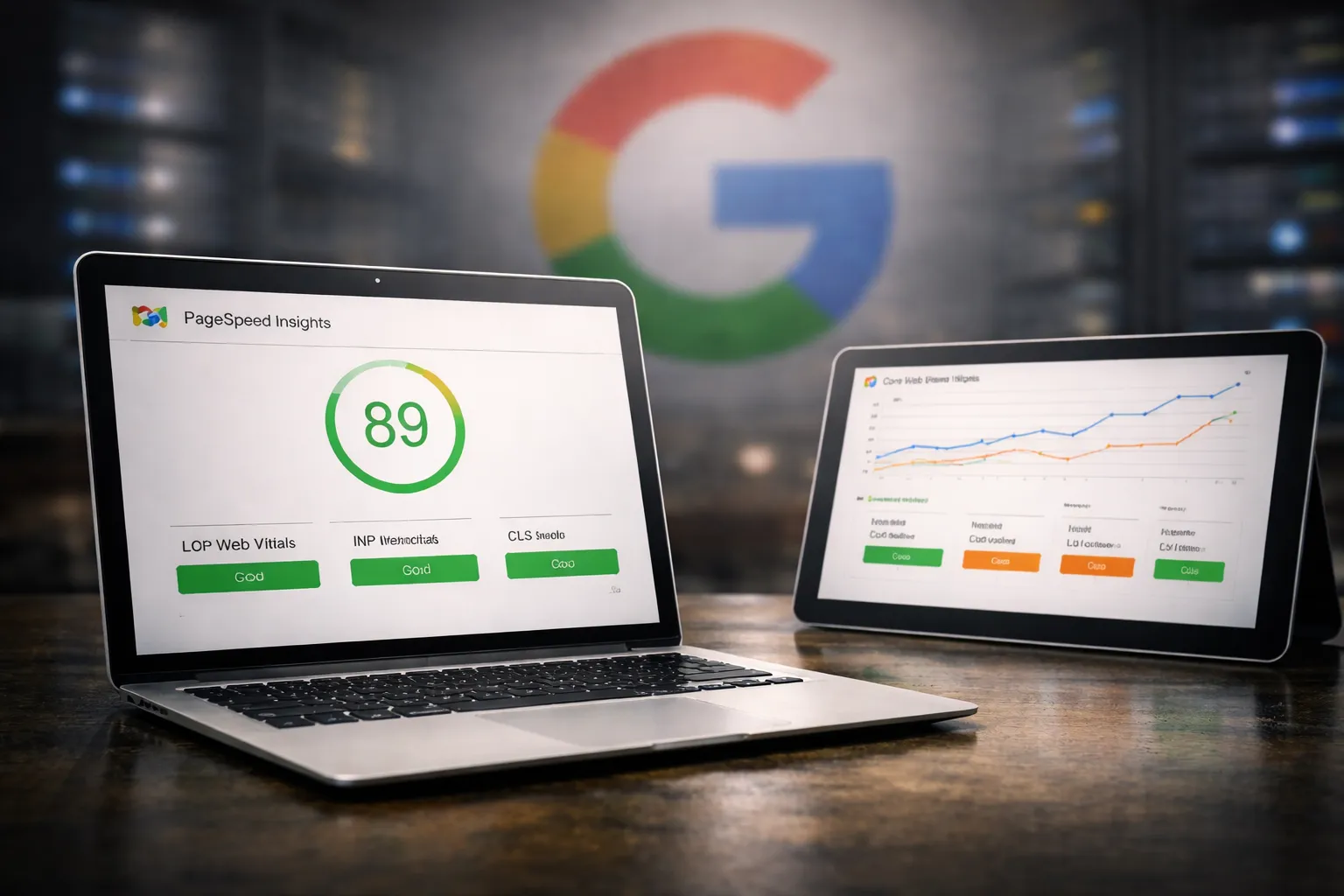
You can test right now at Google’s PageSpeed Insights. Paste your URL, hit Analyze.
Quick decoder:
- Green (90+): You’re in good shape
- Orange (50-89): Room to improve
- Red (below 50): Needs attention
More importantly, look at the Core Web Vitals section. It’ll tell you whether you’re passing or failing each measurement, and whether that’s based on real visitors or just a simulation.
Don’t obsess over hitting 100—a 92 reflecting happy real-world visitors beats a perfect lab score nobody ever sees.
What Usually Makes the Biggest Difference
Images. This is almost always where the trouble starts. Oversized, uncompressed photos can single-handedly tank your load times.
Load order. The stuff people see immediately should load first; the map at the bottom of the page and the social feed in the footer can wait.
Less stuff. Every extra script, widget, and plugin adds weight. Sites with fewer things to load perform better, especially on mobile. Sometimes the best optimization is knowing what to leave out.
The Bottom Line
Your website is often the first interaction someone has with your business—before they meet you, hear your story, or experience the care you put into what you do.
If that first impression is slow, jumpy, or unresponsive, people won’t stick around to find out what they’re missing. And Google will show you to fewer people in the first place.
You don’t need to understand the technical mechanics of fixing any of this. But understanding that it matters, and knowing the right questions to ask, puts you ahead of most business owners. When you’re ready for answers instead of guesswork, we’re here.